

Overview
This feature is available in both Translate & Dub and Translate Subtitles. Once enabled, Vozo will automatically detect and remove the original subtitles in the video, and replace them with translated subtitles. The new subtitles will be placed in the same position as the original ones. You can adjust subtitle style and position in the editor.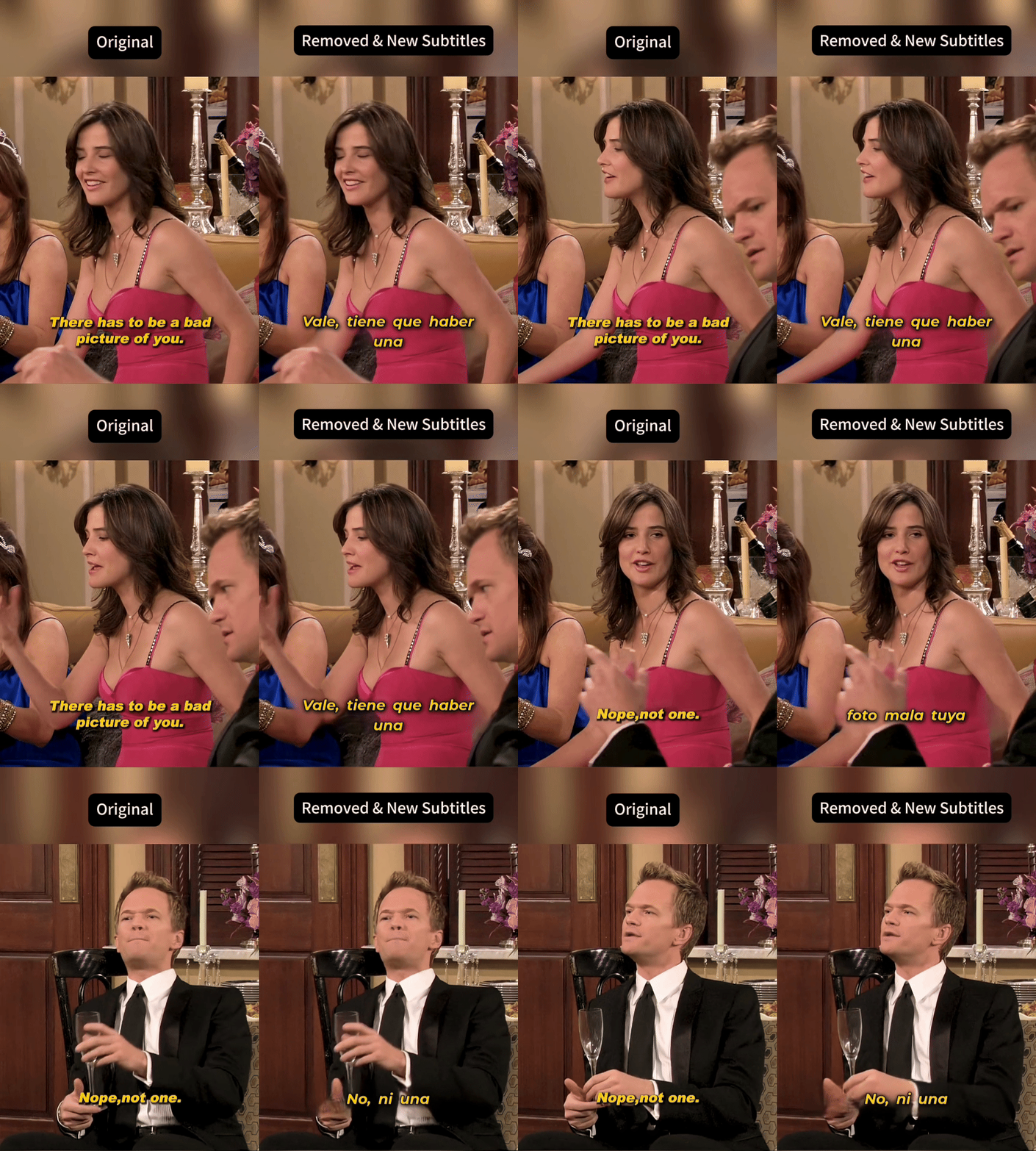
How to Enable Original Subtitle Removal:
- In Translate & Dub: After uploading your video, enable Add Translated Subtitles in Video, then select Add & Remove Original.
- In Translate Subtitles: After uploading your video, enable Remove Original Subtitles.
What Will Be Removed
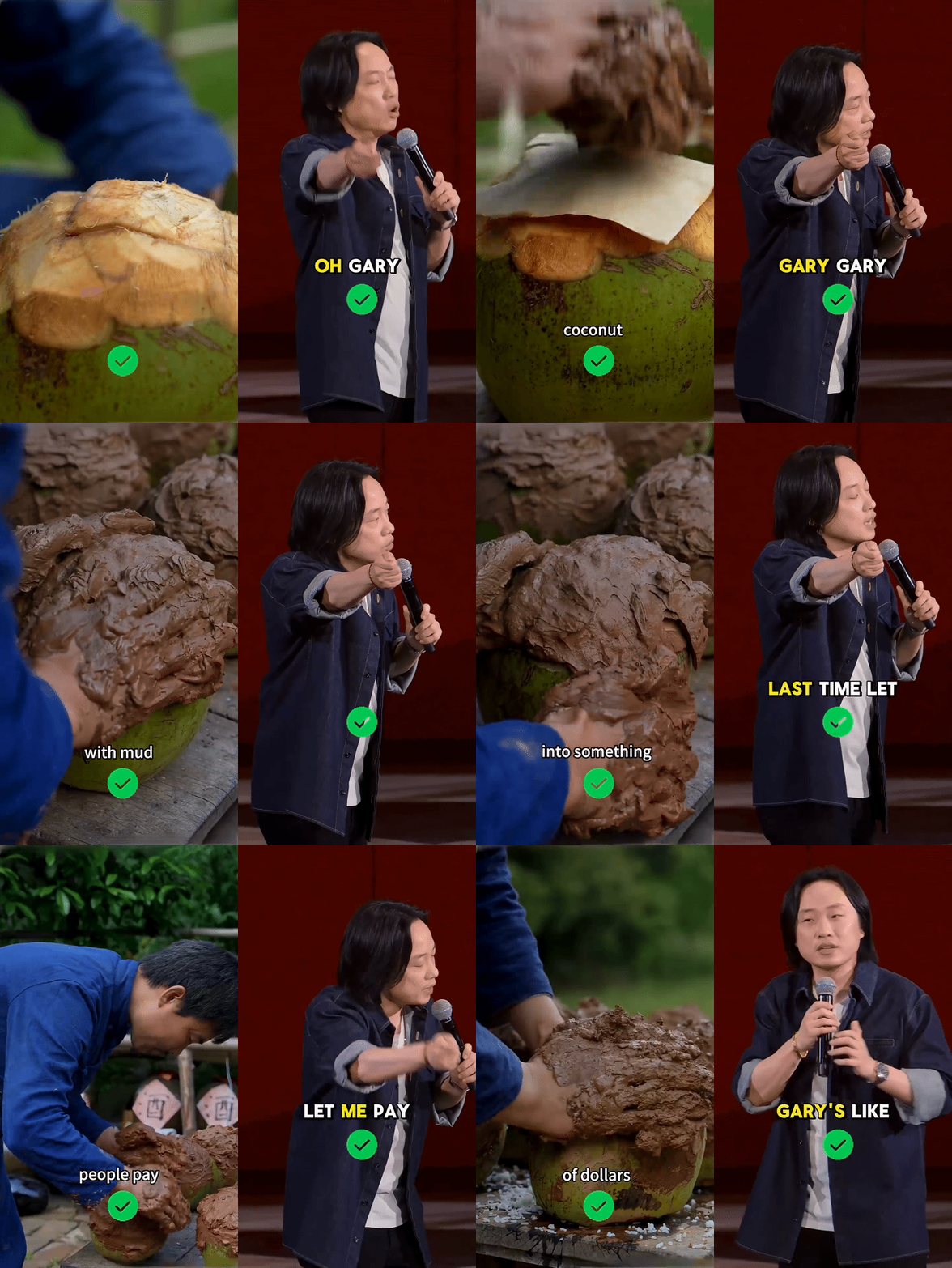
This feature removes subtitles that meet all of the following conditions:- Fixed position in the video
- Simple animation
- Matches the spoken content
What Will Not Be Removed
The following types of text will not be removed:- Text that does not match the spoken content, such as emphasis text, titles, or name labels
If you need to remove and translate this type of content, use Visual Translate - Subtitles with changing positions or complex animations
If you need to remove and translate this type of content, use Visual Translate - Scene text that is part of the original footage, such as store signs, product packaging, or physical menus